
CALL OF DUTY: BLACK OPS – COLD WAR, V1.34.1.15931218 + ALL DLCS AND MODES + BONUS OST + HD TEXTURES PACK
CALL OF DUTY: BLACK OPS – COLD WAR, V1.34.1.15931218 + ALL DLCS AND MODES + BONUS OST + HD TEXTURES PACK
CALL OF DUTY: BLACK OPS – COLD WAR, V1.34.1.15931218 + ALL DLCS AND MODES + BONUS OST + HD TEXTURES PACK


While being in Multiplayer menu, press Alt+Tab to switch to T9 console, press RCTRL+NUM4, then type one of the maps:
mp_amerika (Amerika) mp_echelon (Echelon) mp_drivein_rm (Drive In) mp_zoo_rm (Zoo) mp_firebase (Deprogram) mp_village_rm (Standoff) mp_paintball_rm (Rush) mp_slums_rm (Slums) mp_russianbase_rm (WMD) mp_jungle_rm (Jungle) mp_nuketown6xmas (Nuketown 84 Holidays)
To force adding bots to the map “Deprogram” or any one that won’t allow you such as: Armada, Diesel, Crossroads, Collateral – in MP Menu, press RCTRL+NUM1 to add bots then move them to either teams one by one. they may be bit buggy and stuck here & there especially in the maps: “Crossroads” and “Collateral”
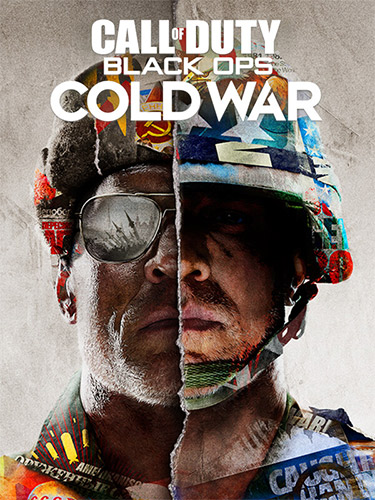
Black Ops Cold War, the direct sequel to Call of Duty: Black Ops, will drop fans into the depths of the Cold War’s volatile geopolitical battle of the early 1980s. Nothing is ever as it seems in a gripping single-player Campaign, where players will come face-to-face with historical figures and hard truths, as they battle around the globe through iconic locales like East Berlin, Vietnam, Turkey, Soviet KGB headquarters and more.
HD Textures Pack contains textures in higher resolution and intended for use on 4K+ displays.